Android application Camera-cloud informer
Download Android application from Google Play and install its on your smartphone.
Log in to your Camera-cloud account ans go in Camera settings.
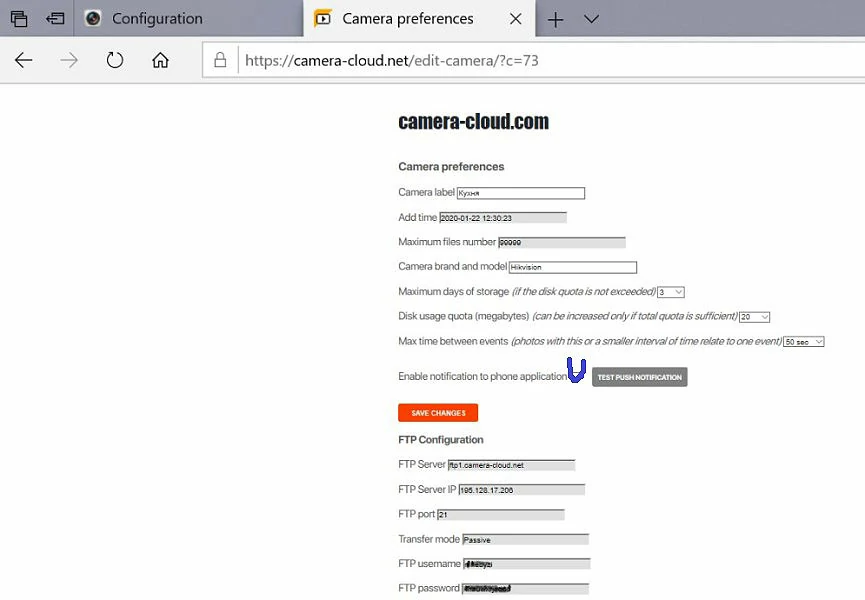
Now turn on "Enable notification" at Camera preferens to receive event notifications.
Open the application on your smartphone, log in to your account. You see a list of "events." An event is a group of photographs recorded in a single time interval.
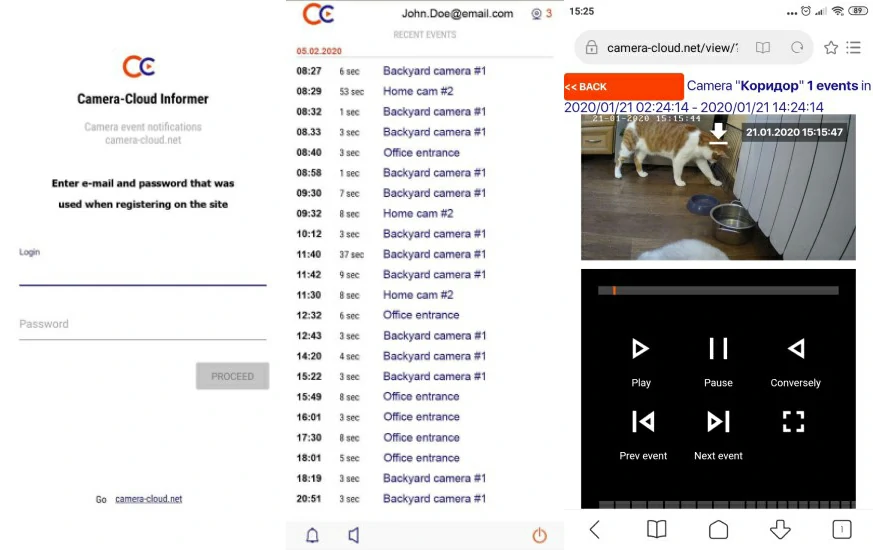
You can adjust the sound to events. By default, the sound is muted, the notification sound is system for messages, but you can choose any from sound on your phone.