Setup of outdoor IP camera by ZetPro
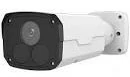
Install the IP camera in the right place on the street (in the courtyard of a private or apartment building, enterprise, etc.), connect it to power and the Internet. Login to your account on Camera-cloud from your PC and add a new camera.
Get the FTP login and password in Camera preferences to specify it in the camera settings.
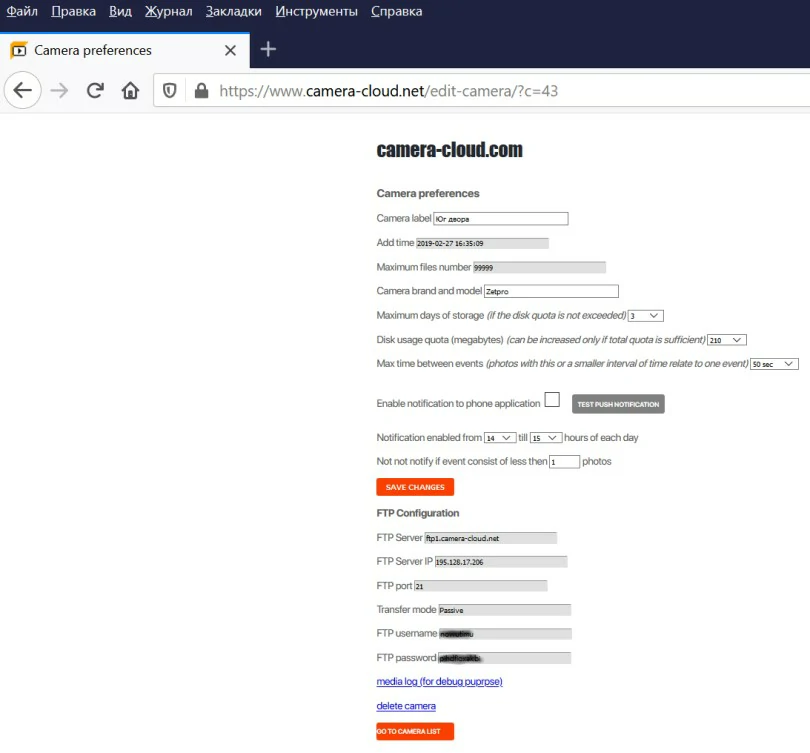
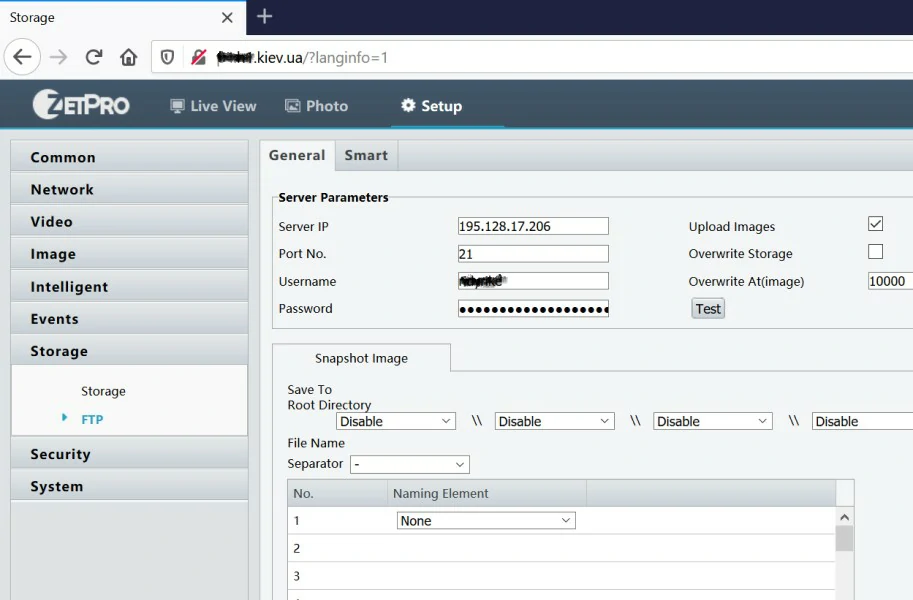
Now go to your camera’s settings through the manufacturer’s interface. For this enter its IP address in another browser tab. Go to the Network menu or Storage, then in the “FTP” submenu write down the server, login, password for saving images via FTP for the camera. Some cameras allow to enter the FTP server as ftp1.camera-ftp.com, for other cameras you need to write the server IP address.
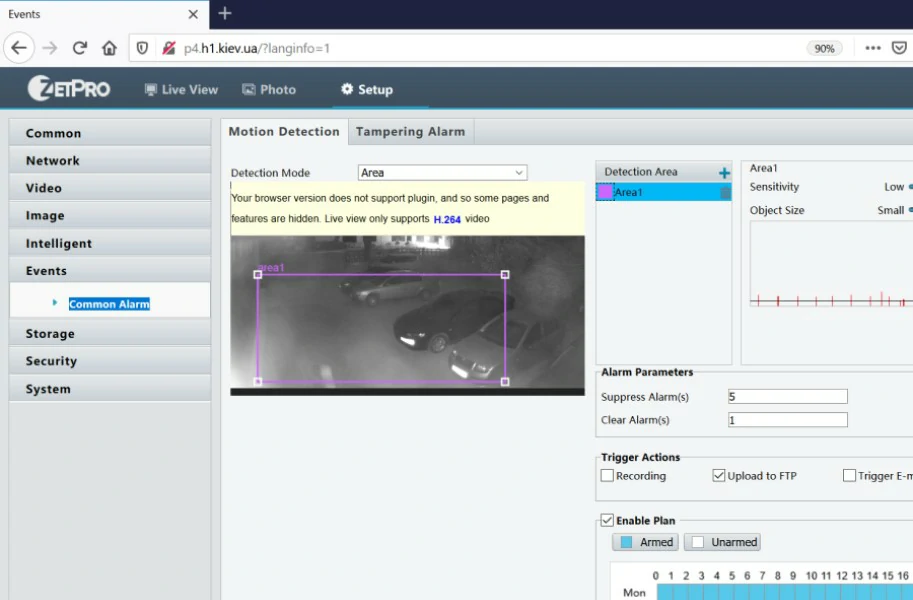
Configure motion detection in menu Events, you need to enable this option ("Enable notification") in the camera settings. You also need to draw a recognition area (if your camera allows that). In some browsers you need to install an additional plug-in, sometimes you may set up motion detection in Internet Explorer.
Make sure that the camera detects movement and uploads images. You can see the media log (for debug purpose).
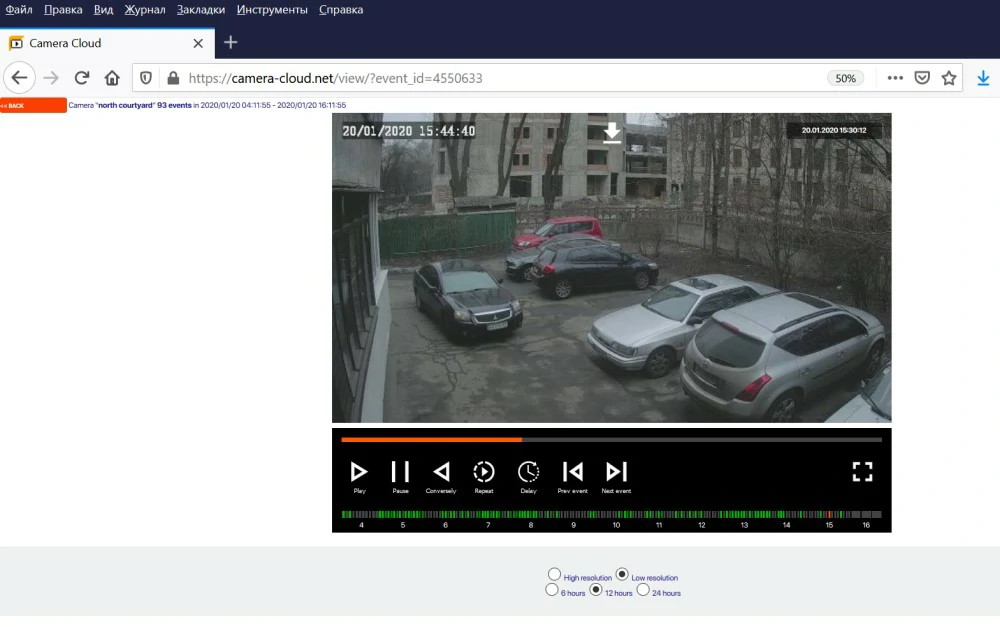
The recorded photos are grouped into “events”. The event is a group of photos recorded in a single time interval. If necessary, adjust the time for saving pictures in cloud. Now camera has configured, install a mobile application that will report on events. Follow the instructions....